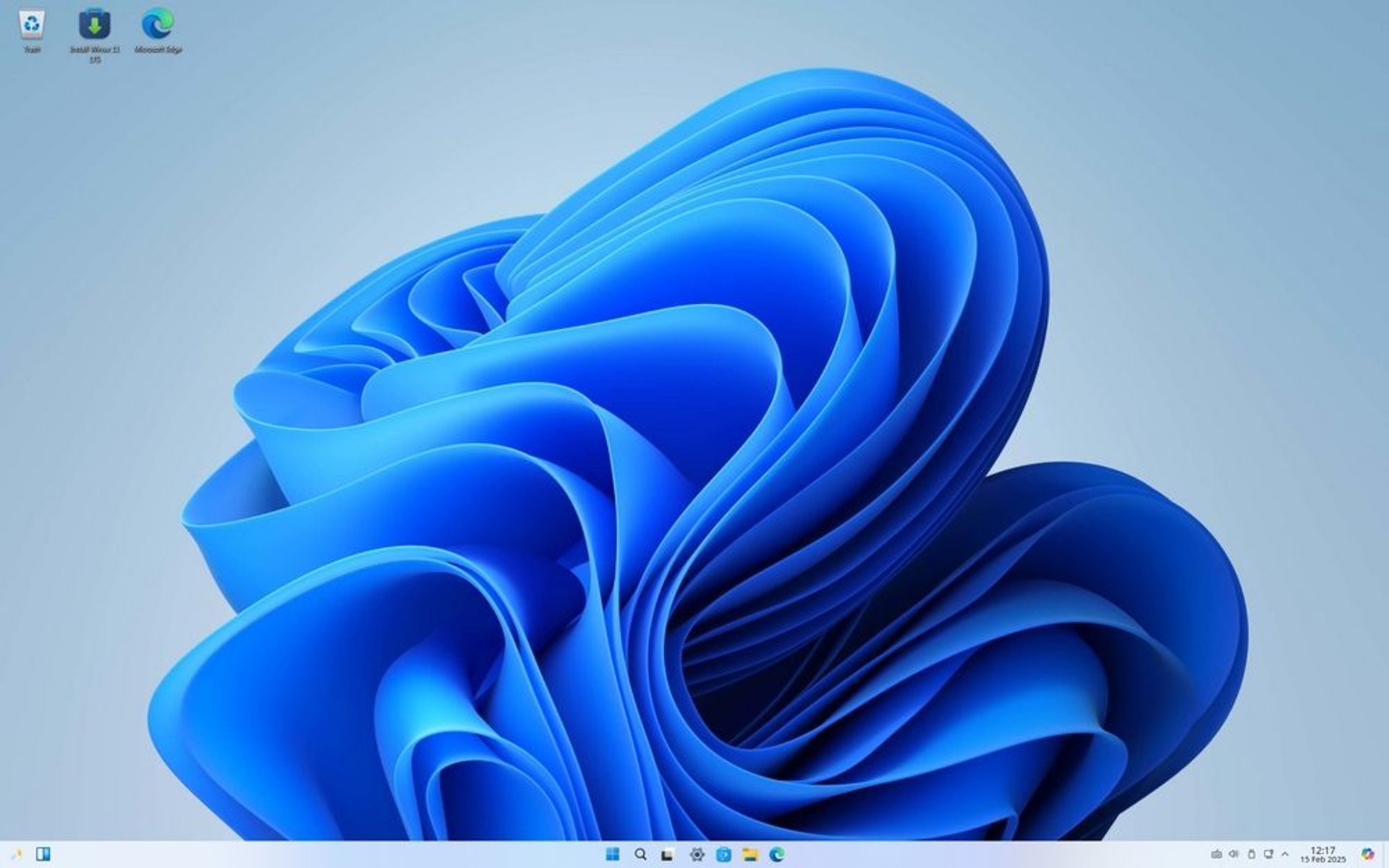
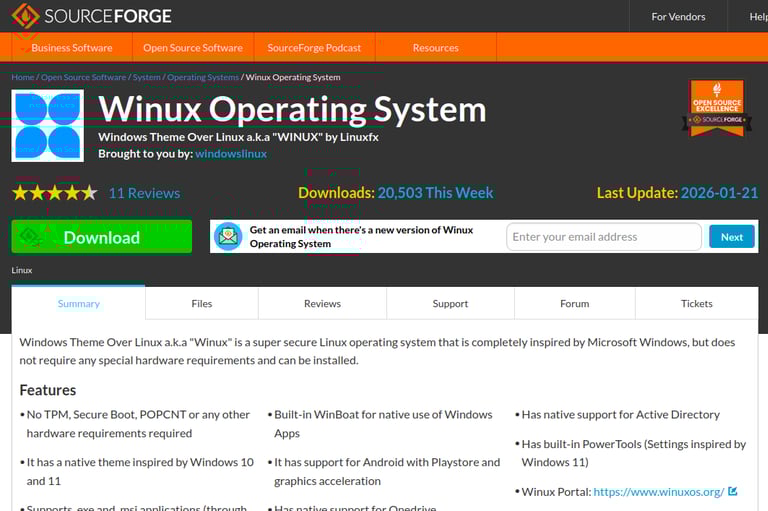
Winux est un système d’exploitation basé sur Linux, conçu pour reproduire l’apparence de Windows 10/11 tout en offrant compatibilité et simplicité. Idéal pour les utilisateurs venant de Windows.
Présentation de Winux
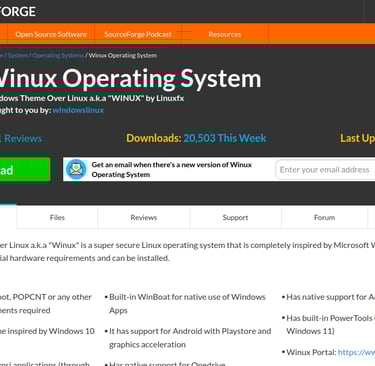
Winux se présente comme une distribution Linux inspirée visuellement de Windows 10/11, tout en s’appuyant sur une base Ubuntu/Kubuntu. L’idée : permettre aux utilisateurs habitués à Windows de migrer vers Linux sans rupture visuelle ou ergonomique. Il inclut une couche de compatibilité pour exécuter des applications Windows, un thème proche de Windows, et des outils intégrés. Il vise également les machines plus modestes en exigences matérielles.

FreeXP: The modern Windows XP experience on Linux
FreeXP emulates Windows XP with the stability and security of Debian Linux.
Offers customization options to suit different visual styles.
It is compatible with modern software and allows use without installation.
Ideal for older computers thanks to its low resource consumption.
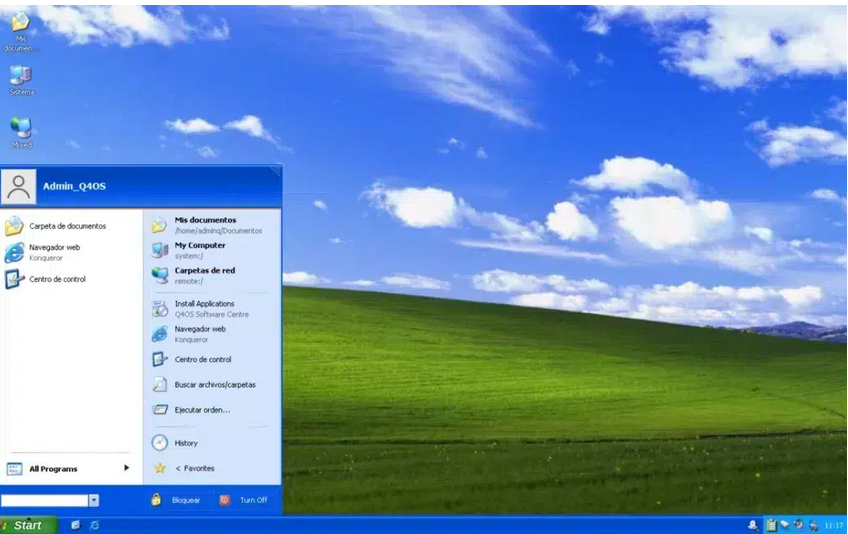
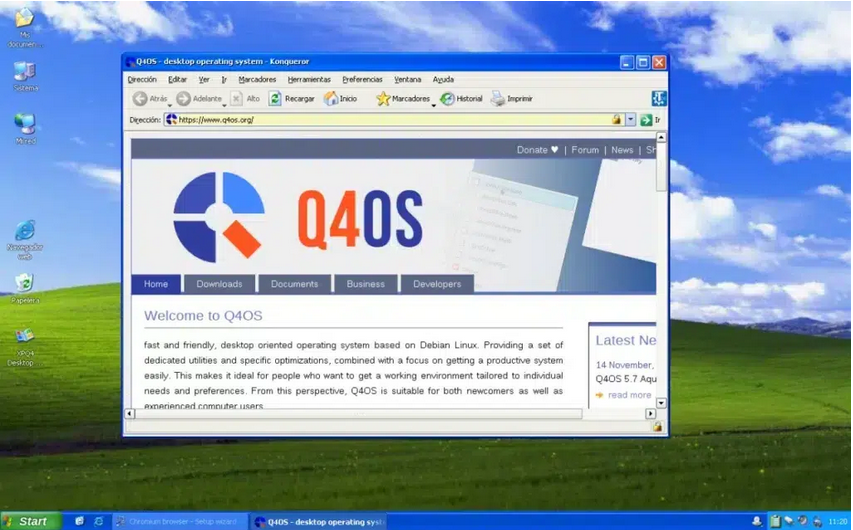
FreeXP is a Debian-based Linux distribution and designed to emulate the look and feel of Windows XP. Its interface is carefully structured to replicate the design of Microsoft's classic operating system, incorporating iconic elements such as:
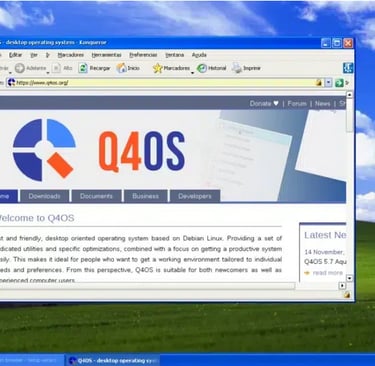
Customization options
While FreeXP is designed to look like Windows XP, it features customization options that allow you to modify their appearance. Using the XPQ4 tool, users can choose from different visual themes, including:
Windows 2000
Windows XP Classic
Windows XP Moon
Windows 7
Windows 8 (for those who want a nostalgic challenge)
Windows 10 Light
Q4OS Default
This flexibility makes FreeXP an excellent choice for those looking for a system that can be adapted to their personal tastes without losing the essence of Windows XP.
How to install FreeXP?
If you want to try FreeXP on your computer, these are the steps you need to follow:
Download the ISO image: Access the FreeXP SourceForge and download the corresponding file.
Prepare a bootable USB: Use tools like Rufus or Etcher to burn the image to a USB.
Configure the BIOS: Restart your computer, enter BIOS and change the boot order to boot from USB.
Install the system: Follow the on-screen instructions to complete the installation and create a user account.
After installation, reboot your computer and voila! You can now enjoy the Windows XP experience — again, just the interface — in a modern and secure environment.
If you ever missed Windows XP but didn't want to compromise on your computer's security, FreeXP is the perfect solution. With its classic look and feel, compatibility with older hardware, and the stability of Debian Linux, it's a nostalgic, lightweight, and functional alternative that's worth a try.
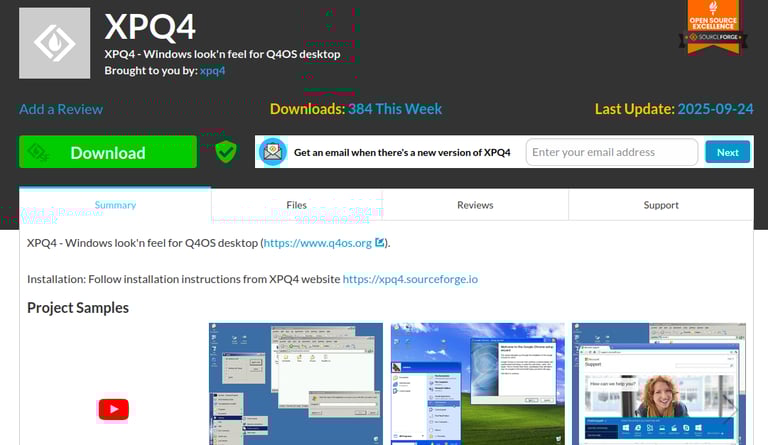
SOLUTION ALTERNATIVE A WINUX FREE XP c'est Q4OS